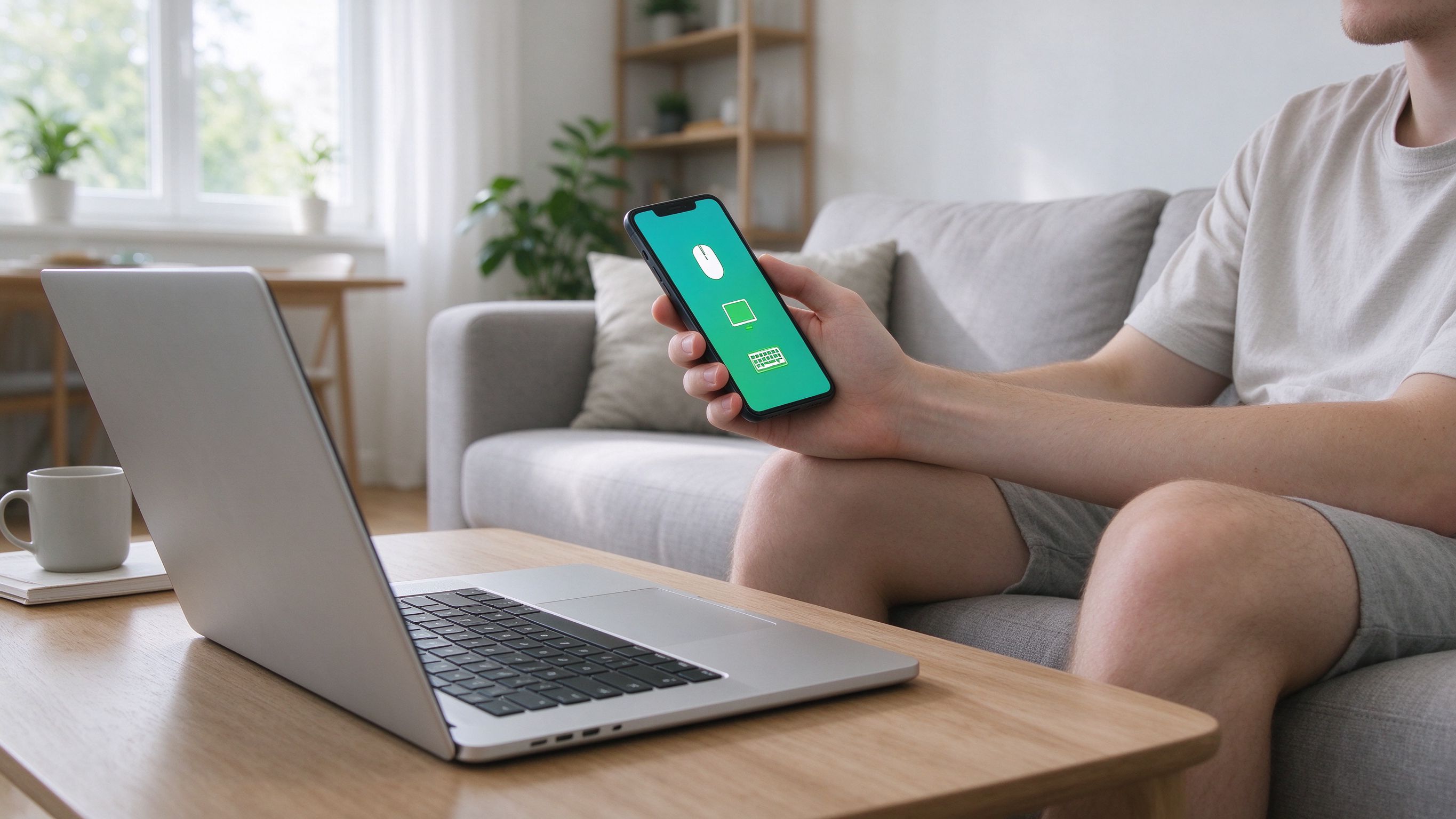
AirBee Deck turns the phone already in your pocket into a wireless mouse, keyboard and trackpad for everything you own — your computer, your TV and your Apple TV. One app, every device.
One app, every device
Instead of juggling remotes and keyboards, you get one control surface. Switch from your PC to your Mac to your TV in a tap, without re-pairing or extra setup. It works the way you'd want it to: pick a device, and your phone becomes its remote.
Setup in under a minute
Install AirBee Deck on your phone, run the tiny companion on the machine you want to control, and connect over your network. That's it. No cloud account required, no complicated pairing — just open the app and pick your device.
Private by design
Your input stays on your own network. AirBee Deck doesn't route your keystrokes or clicks through a server, and it doesn't need to. When a direct connection isn't possible, traffic is end-to-end encrypted through a secure relay.