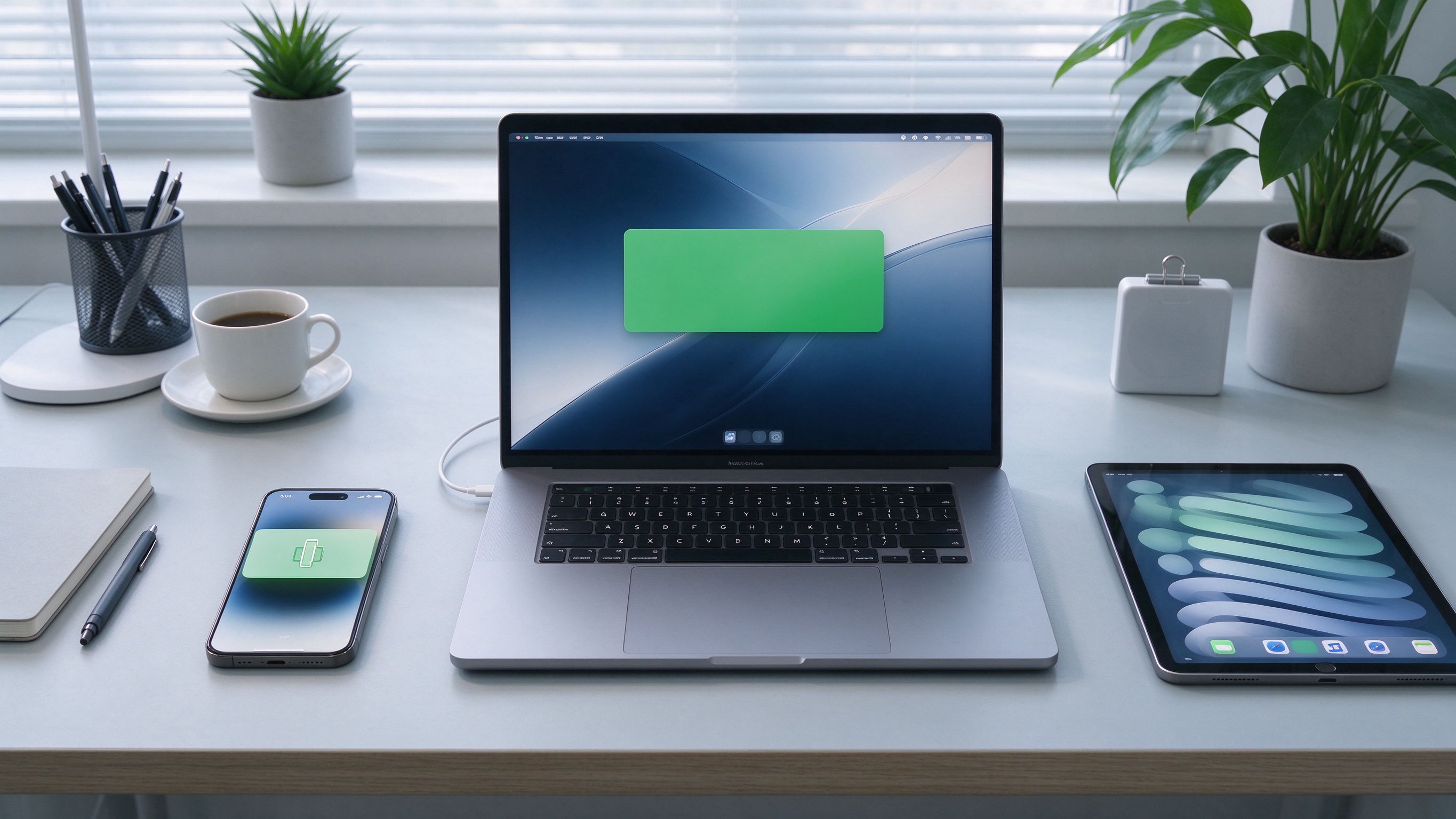
Copy a link on your phone, paste it on your computer. It sounds small, but it removes one of the most annoying friction points in everyday work. Cross-device clipboard in AirBee Deck does exactly that.
Text and images
Copy anything on your phone — a URL, a code, a phone number, a screenshot — and paste it straight into any app on your computer. It works both ways, and it handles text and images.
How it works
When you copy something on either device while a session is active, AirBee Deck makes it available on the other side of the same session. There's nothing to enable manually — it's part of the connection.
Nothing stored
Clipboard content is transferred between your devices only and is never uploaded to a server. In local mode it never leaves your network; in relay mode it's end-to-end encrypted.