Lean back. Stay in control.
AirBee Deck — Wireless Mouse & Keyboard. Remote control for your PC, Mac and iPad.
Up and running in under a minute
Download the app, install the desktop companion, connect. That's it.
Download AirBee Deck
Install the app on your phone — Android, iPhone or iPad.
Install the desktop companion
Run the tiny desktop receiver on your computer, TV or Apple TV. It waits in the background.
Pair and control
Pick your device, connect, and your phone becomes the remote.
One phone, every screen you own
Purpose-built control for the machines you actually use.
A full wireless mouse, keyboard and trackpad
Control your PC or Mac with multi-touch gestures, typing and application switching — from across the room.
End the thumb-twister remote
Type into any TV search box, drive media playback and browse from your couch. Your phone is a smarter remote.
Built for control
Low latency
Feather-light input over your local network, with no cloud detour.
Cross-device clipboard
Copy on your phone, paste on your computer. Text and images.
Voice typing
Speak on your phone, it types on your machine. In your language.
Local & private
Keystrokes stay on your network. Nothing is routed to the cloud.
Multi-device
Control several machines from one screen, switch in a tap.
Customizable UI
Reorder panels, set wallpaper, and go light or dark.
On your phone
Your phone becomes a mouse, a keyboard and a remote — on every screen you own.
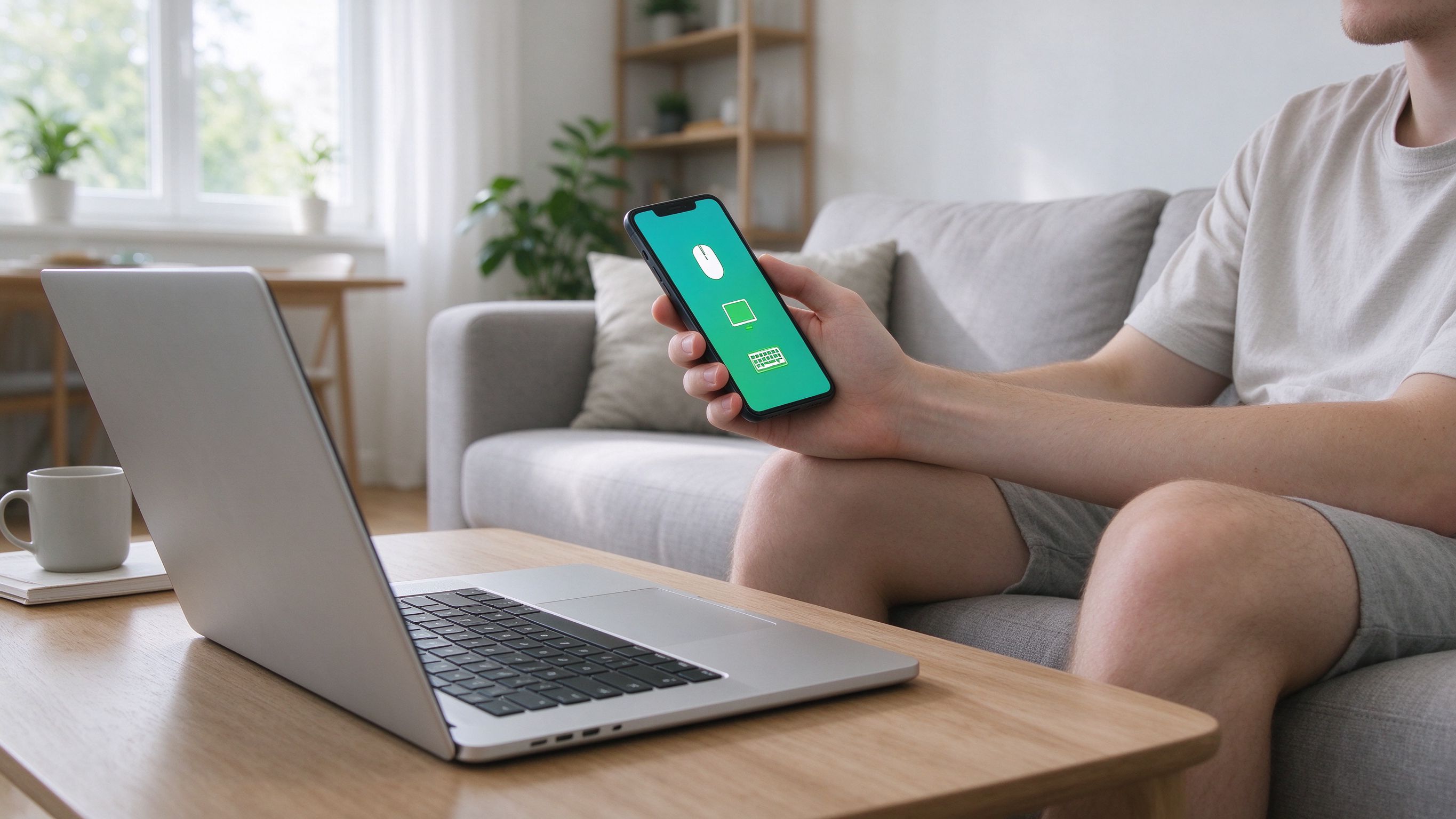
Type on your PC from across the room
Drive your cursor, scroll and keyboard from your couch — multi-touch gestures included, just like a trackpad.
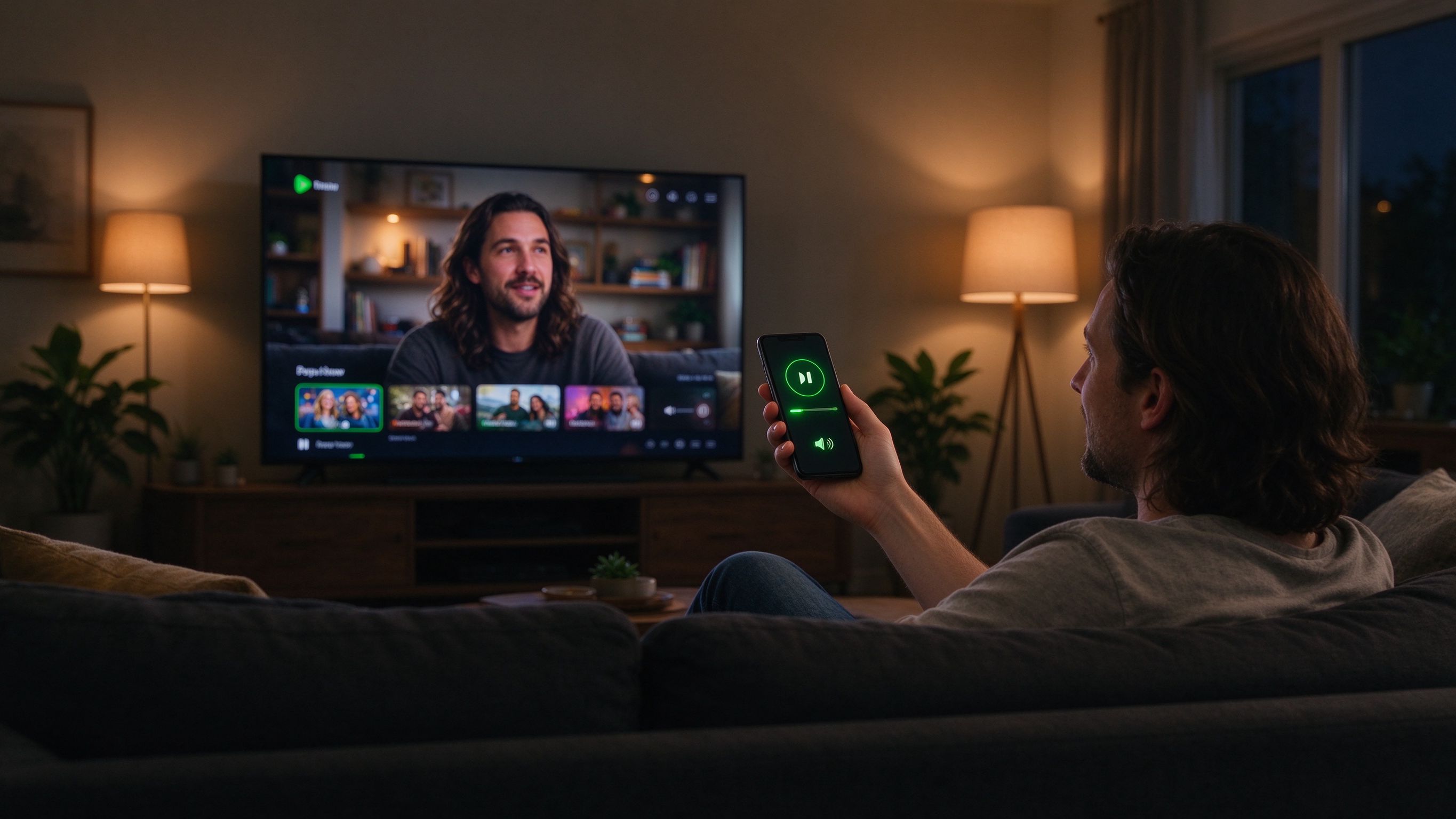
Your phone is the TV remote
Type into any TV search box, scrub media and browse from your sofa. Works on Apple TV and Android TV.
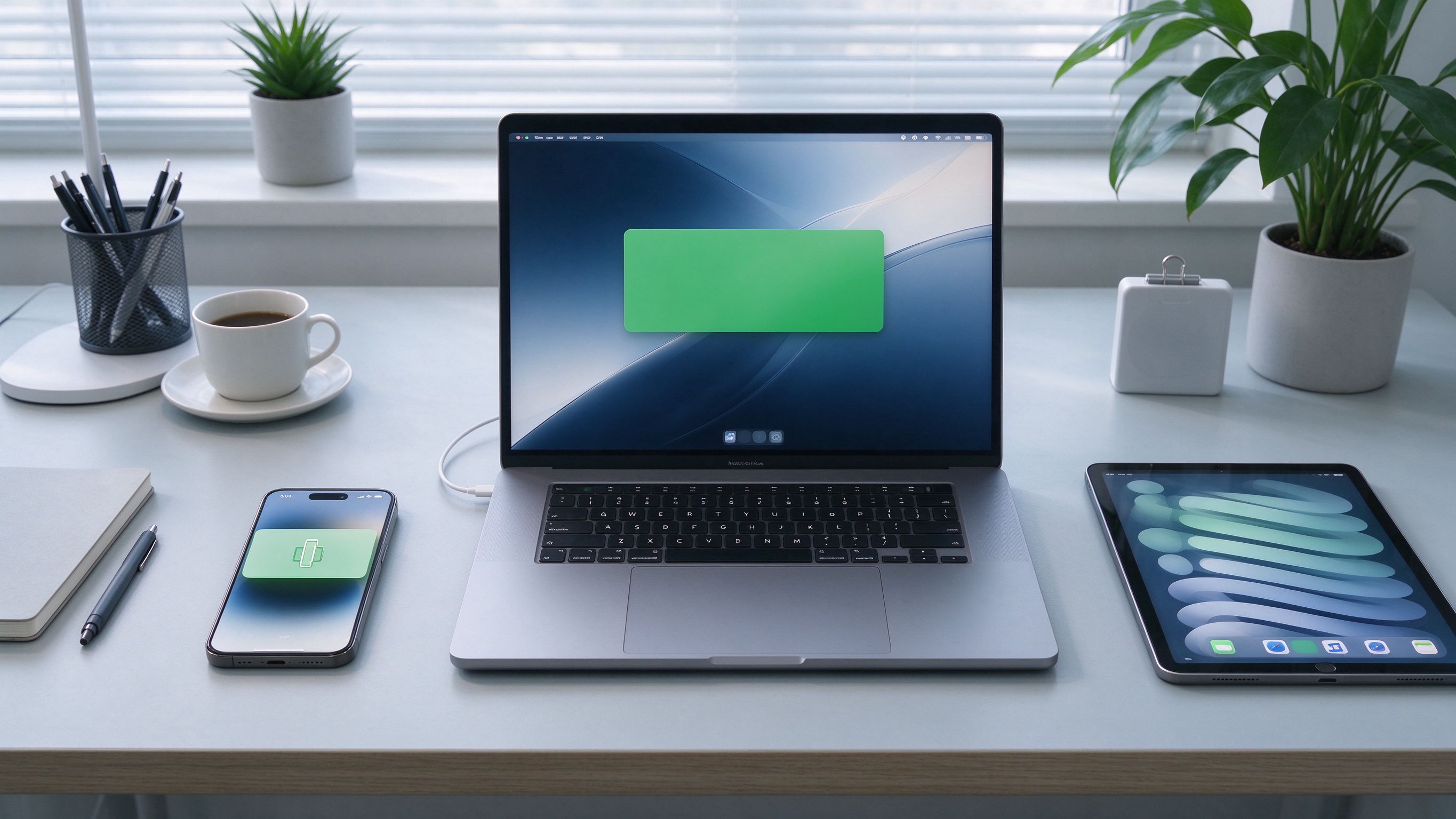
Copy on phone, paste on PC
Move text and images between your devices in a tap. Your clipboard stays in sync.
Two ways to connect
AirBee Deck is honest about the trade-off. Pick the mode that fits.
Direct over your network
Phone and machine on the same network. Zero cloud, maximum privacy and lowest latency.
- No account required
- Same Wi-Fi or LAN
- Lowest possible latency
Control from anywhere
Connect across networks through a secure relay when the two sides can't see each other directly.
- Remote access from anywhere
- End-to-end encrypted
- Same app, no setup
Guides, demos and updates
Tips for getting more out of AirBee Deck, what's new, and short demos of the features people ask about most.
Meet AirBee Deck: your phone is the remote for everything
Control your computer, TV and Apple TV from one screen. Here's what AirBee Deck does and how to get set up in under a minute.
Read more
Control your TV and Apple TV from your couch
End the thumb-twister remote. Type into any search box, drive playback and browse from your phone instead.
Read more
Cross-device clipboard: copy on your phone, paste on your computer
Move text and images between your devices instantly. Here's how AirBee Deck keeps your clipboard in sync.
Read morePeople love AirBee Deck
Plug your phone into everything you own.
Free on your own network. Set up in a few minutes.